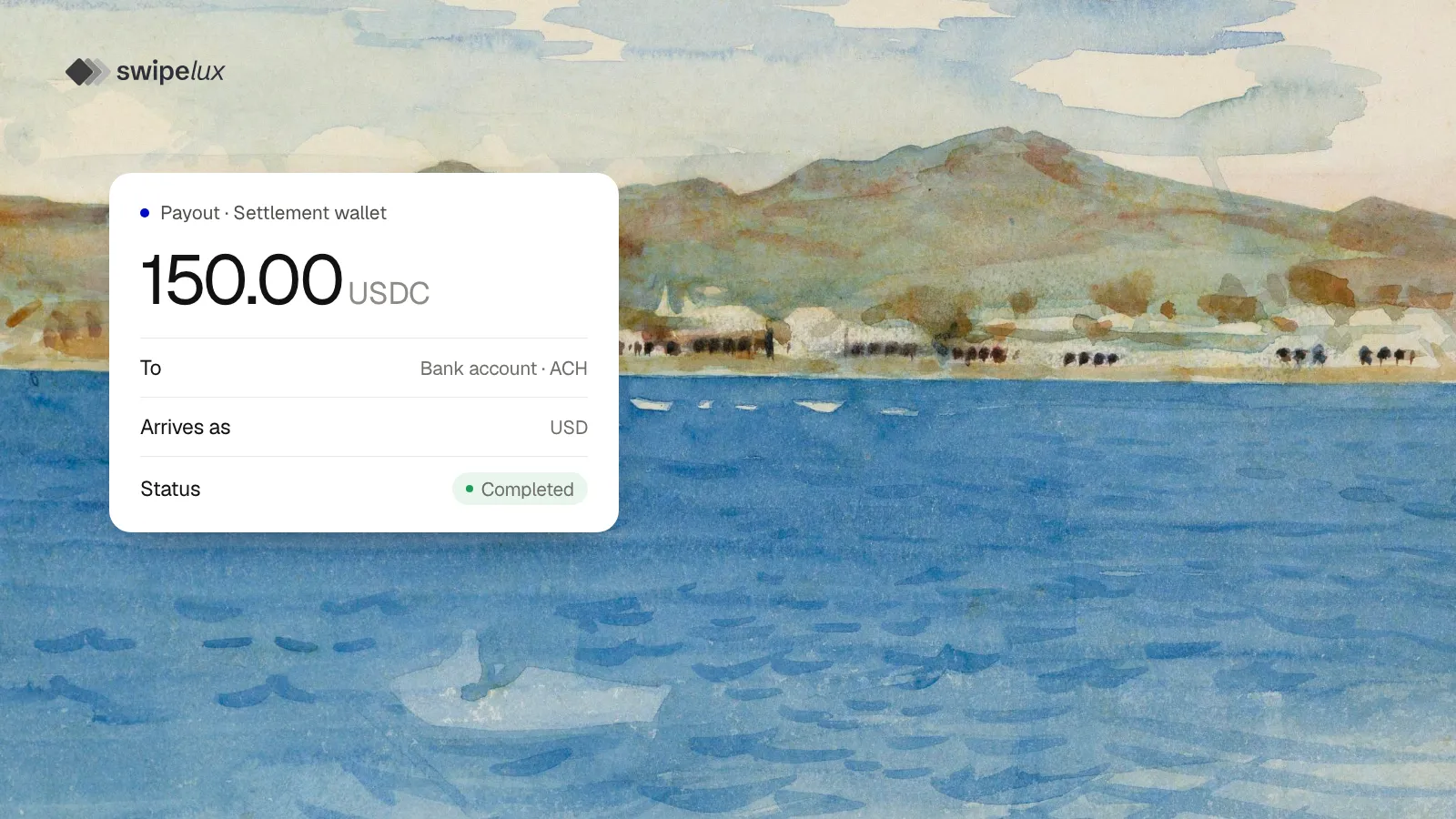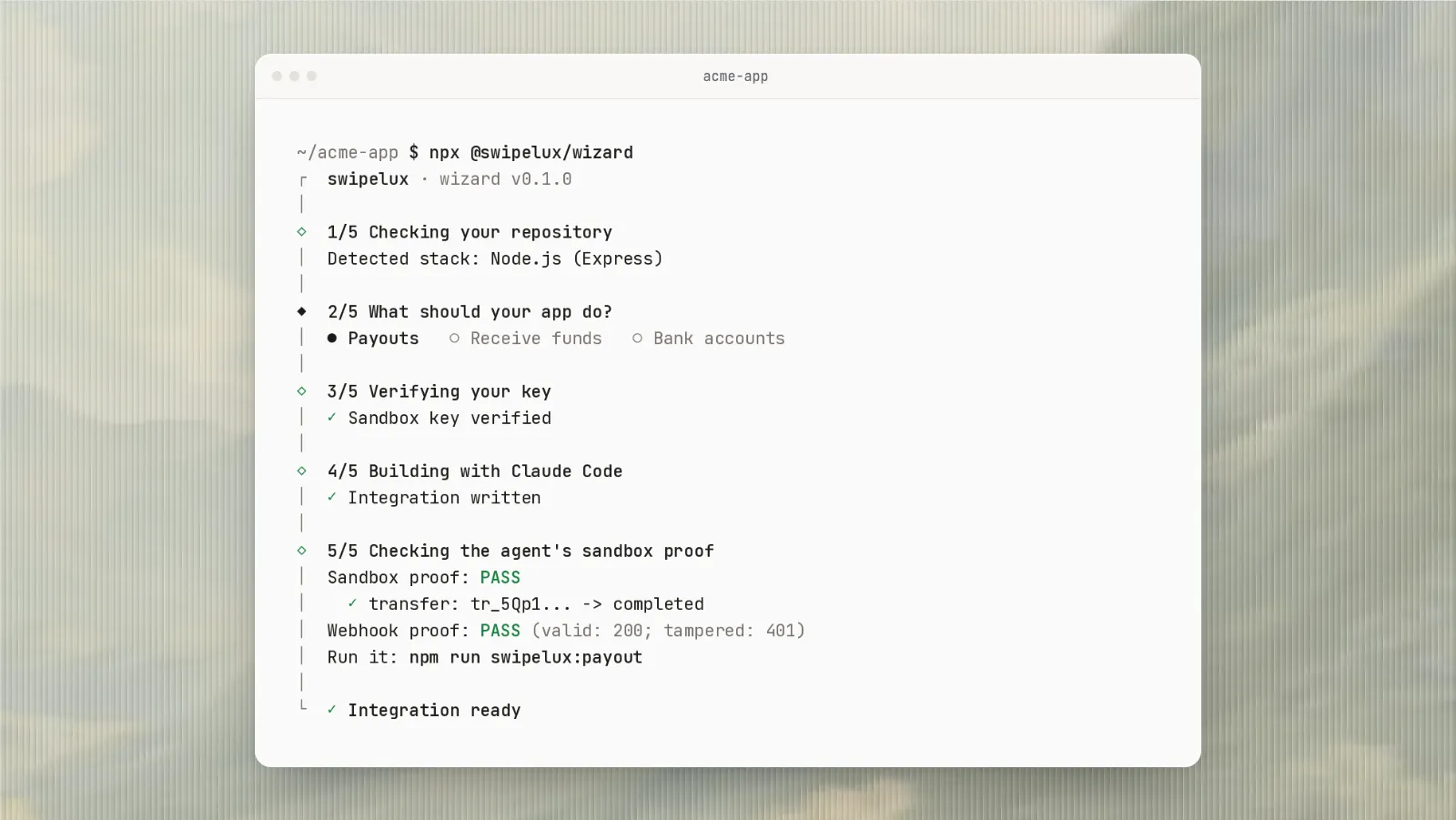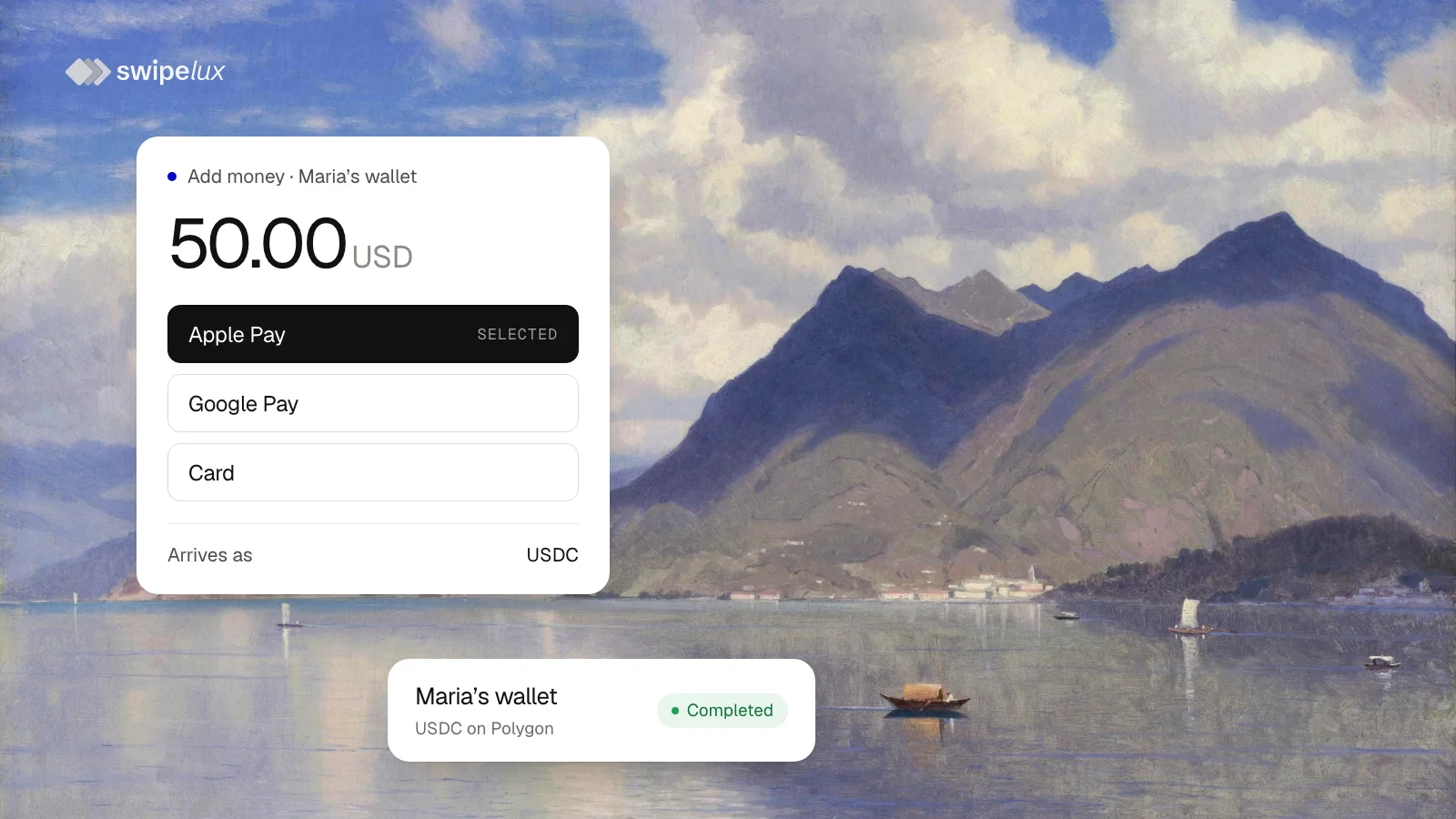
To integrate card payments for crypto purchases into your app, use a fiat-to-crypto on-ramp API. On Swipelux it takes five API calls: three set a customer up, and two make each payment. The customer pays by credit or debit card, Apple Pay or Google Pay on a hosted checkout, and USDC lands in their wallet. You sign no contract with a card processor, and card details never touch your servers.
Integrate card payments in five API calls
The film above walks through the five calls in under a minute. The first three set a customer up once. Each payment after that is a quote and a transfer. Every request carries your X-API-Key. Each of the five, and the POST /v3/webhooks call further down, also carries an Idempotency-Key, reused only to retry the same call.
1. Create the customer
POST /v3/customers with "type": "individual". Card payments are for individual customers, and an individual needs only type. The answer holds the customer's cus_ ID.
2. Turn on card payments
POST /v3/customers/{customerId}/capabilities/card, with an empty JSON object as the body, requests the card capability for that customer.
3. Open a USDC wallet
POST /v3/customers/{customerId}/accounts creates the wallet card payments settle into, one per customer, on Polygon, Ethereum or Base:
POST /v3/customers/{customerId}/accounts
{
  "origin": "issued",
  "type": "wallet",
  "currency": "USDC",
  "network": "polygon"
}
The answer holds the wallet's acc_ ID. Create the first quote once the capability and the wallet both read ready.
4. Create a quote
Send the amount in USD or EUR, USDC as the asset to deliver, and the customer's wallet as destinationId:
POST /v3/quotes
{
  "customerId": "cus_...",
  "capabilityId": "card",
  "in": { "amount": "50.00", "currency": "USD" },
  "destinationId": "acc_...",
  "out": { "currency": "USDC" }
}
The quote returns the fees and out.amount, the USDC estimated to arrive. Show those numbers to the customer as returned. A quote is single-use and expires five minutes after it is created, at expiresAt: create the transfer before then. After that, POST /v3/transfers answers 409 quote_expired and you create a new quote.
5. Create the transfer
POST /v3/transfers
{
  "quoteId": "quo_...",
  "checkoutMethod": "apple_pay",
  "redirectUrl": "https://your-app.example/payments/complete"
}
checkoutMethod and redirectUrl are optional. The first picks the method the checkout opens on, and the second brings the customer back to your app. The answer, trimmed here to the fields you act on, holds the link to the hosted checkout:
{
  "data": {
    "id": "tr_...",
    "state": "awaiting_funds",
    "instructions": {
      "type": "redirect",
      "url": "https://..."
    }
  }
}
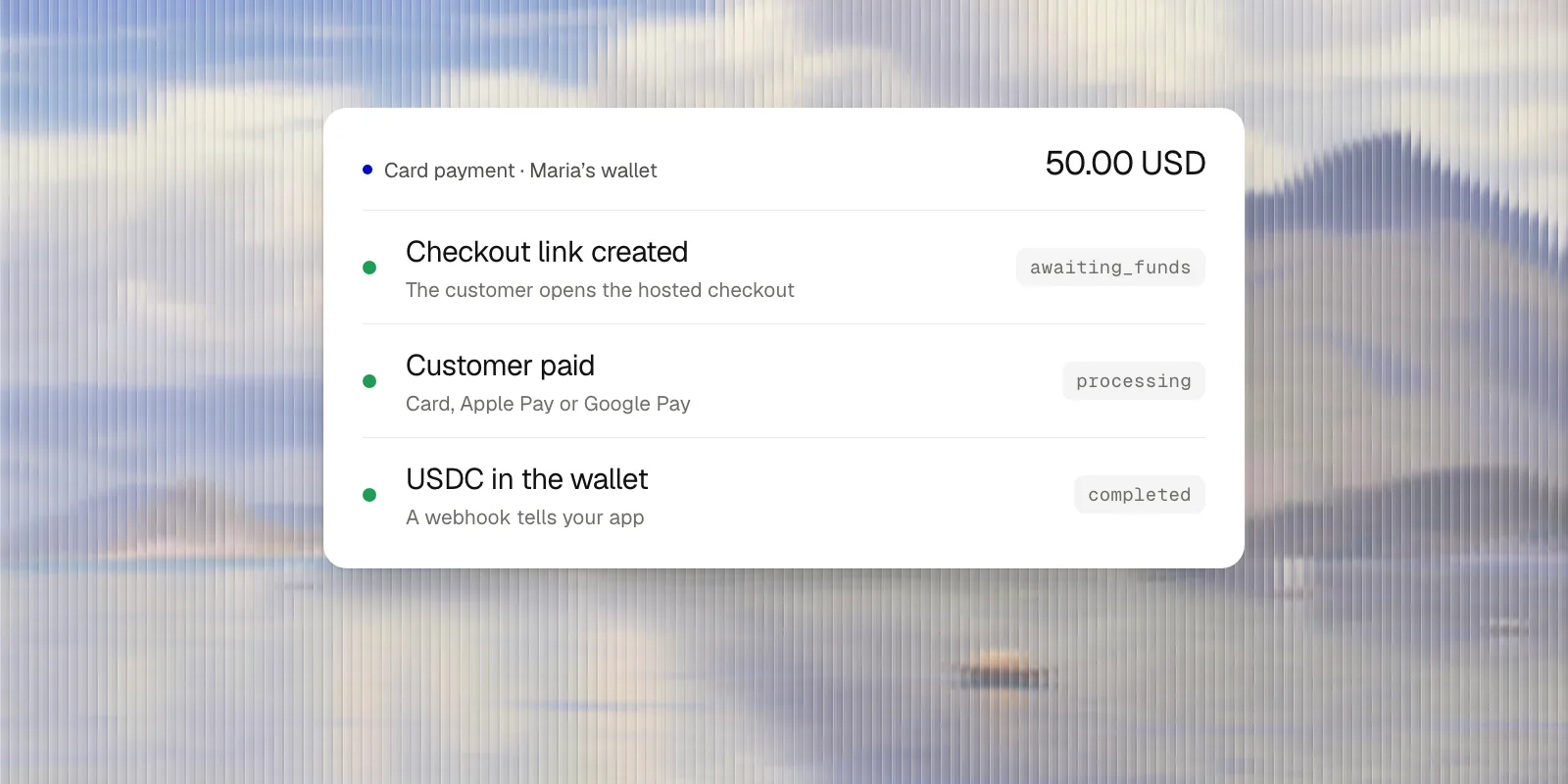
Open the link for the customer. The picture shows the three steps: the checkout link is created, the customer pays by credit or debit card, Apple Pay or Google Pay, and the transfer becomes completed with the USDC in the wallet. A webhook tells your app at each change. A link belongs to one transfer, so never reuse it.
A card payment takes the same steps as a bank pay-in. Only the instructions differ: a checkout link where a bank pay-in has account details. The Receive funds guide has every field.
How does your backend know a card payment completed?
Your backend knows a card payment completed when the transfer's state reads completed. Register a webhook endpoint once, for all customers, with POST /v3/webhooks and subscribe it to transfer.state_changed. After each event, read GET /v3/transfers/{transferId}. A transfer is in one of six states:
| State | What it means for a card payment |
|---|---|
awaiting_funds | The checkout link exists and the customer has not paid yet |
processing | The payment was received and is settling as USDC |
action_required | The transfer has an open task, listed in openTaskIds |
completed | The USDC is in the customer's wallet |
failed | The payment did not go through. stateDetail gives the reason |
canceled | Nobody paid before the deposit window expired |
Webhook delivery is at least once, so an event can repeat or arrive out of order: verify the signature, store the event id and act on the state you read, as the Webhooks guide describes. Arriving at redirectUrl is browser navigation only and does not prove the payment.
Add Apple Pay and Google Pay for crypto purchases
Apple Pay and Google Pay are part of the same hosted checkout as the card form, not separate integrations. Send checkoutMethod as apple_pay, google_pay or card in POST /v3/transfers, and the checkout opens on that method when it is available for the customer and their device. The customer can still pick another.
| How the customer pays | checkoutMethod | What the customer needs |
|---|---|---|
| Card typed into the checkout | card | A Visa or Mastercard credit or debit card |
| Apple Pay | apple_pay | An iOS device with a Secure Element, or a Mac with Touch ID or an Apple Pay-capable iPhone or Apple Watch, as Apple lists |
| Google Pay | google_pay | A payment method saved to their Google Account |
checkoutMethod is a preference, not a guarantee, and it changes neither the amounts nor the fees of the quote. A transfer read echoes the value you sent, not the method the customer used.
Hosted checkout link, on-ramp widget or SDK: which is the least work?
A hosted checkout link is the least work. It opens a hosted payment page: your backend asks for the link and your app opens it. A crypto on-ramp widget is the provider's page embedded in your own page or web view. An SDK is a library you build into your app and update with it. The Swipelux card checkout is a link, so there is nothing to embed and no SDK to keep up to date.
Running the same checkout on your own payment page, with your own card processor, asks more of you:
| What it takes | Hosted checkout link on Swipelux | Your own payment page and card processor |
|---|---|---|
| Apple Pay | Nothing to set up | A merchant ID, two certificates and a verified domain for every domain that displays the button, Apple says |
| Google Pay | Nothing to set up | A business profile in the Google Pay & Wallet Console, and each website domain submitted to Google for approval |
| Card data | Typed on the hosted page, so it never reaches your servers | PCI DSS is written for entities that store, process or transmit cardholder data, or could affect its security |
In a mobile app, open the checkout link in the system browser or an in-app browser tab, not an embedded web view. On iOS, Safari and SFSafariViewController support Apple Pay. On Android, a WebView keeps the API that launches the Google Pay sheet disabled by default.
Card on-ramp for wallet apps, neobanks and fintech apps
On Swipelux sales calls, teams at neobanks and wallet apps say card processing is expensive, an acquirer relationship takes a long time to set up, and their current on-ramp leaves Apple Pay and Google Pay to a second provider. One hosted checkout serves each kind of app:
- Crypto wallet apps: customers top up their balance from their phone. The purchase lands as USDC in the wallet Swipelux issues for that customer, and your app shows it as their balance or sends it on to the customer's own address on the same network.
- Neobanks: a new customer funds the account without waiting for a bank transfer. Later deposits arrive by bank transfer into the same wallet, and ACH vs wire vs RTP vs SWIFT compares those rails.
- Fintech apps that sell crypto: customers buy USDC with a credit or debit card without leaving your product.
The same teams ask about setup fees and monthly minimums. Swipelux's pay-as-you-go pricing has no platform fee and no minimums. For volume pricing, talk to sales.
On-ramp and off-ramp in one API
The same API runs the off-ramp: USDC leaves the wallet and arrives in a bank account by ACH, wire, Pix, SPEI and other payout methods. One customer, one wallet and one integration cover both directions. The requests for the way out are in Crypto off-ramp API: how to pay out USDC and USDT to a bank account.
What does a card payment cost?
The cost of a card payment is in its quote, before the customer pays. fees holds the fee, itemised into a processing and a network component, next to out.amount, the USDC estimated to arrive:
"fees": [
  {
    "beneficiary": "service",
    "amount": "...",
    "currency": "USD",
    "components": [
      { "type": "processing", "amount": "...", "currency": "USD" },
      { "type": "network", "amount": "...", "currency": "USD" }
    ]
  }
]
The components are already inside the fee's amount, so do not add them again. The checkout confirms the final amount to the customer.
Test card payments in Sandbox
Sandbox runs the same quote and transfer with no real card. A sandbox API key selects the test environment on the same API host. Sandbox helpers set the capability to ready and mark the transfer completed or failed, so you can watch your app handle both:
POST /v3/sandbox/customers/{customerId}/capabilities/card/status
{ "status": "ready" }

POST /v3/sandbox/transfers/{transferId}/state
{ "state": "completed" }
Not writing code yet? The dashboard's First pay-in walkthrough takes a customer through a card or Apple Pay payment, once that customer has a Polygon wallet. An AI agent connected through the Swipelux MCP server, in Claude or ChatGPT, creates the quote and the transfer and hands you the checkout link.
Questions people ask
How do I integrate card payments for crypto purchases into my app?
With the Swipelux API, make five calls. Create the customer with POST /v3/customers, request the card capability and open a USDC wallet. Then each payment is two requests, POST /v3/quotes and POST /v3/transfers, and the second returns the hosted checkout link your app opens. A transfer.state_changed webhook tells your backend when the USDC has arrived.
What is a crypto on-ramp?
A crypto on-ramp is a service that converts fiat money, such as dollars or euros, into crypto and delivers it to a wallet. An off-ramp does the reverse: crypto leaves the wallet and money arrives in a bank account.
Can customers buy crypto with Apple Pay or Google Pay?
Yes. Apple Pay and Google Pay are part of the hosted checkout, next to the card form. Send checkoutMethod as apple_pay or google_pay in POST /v3/transfers, and the checkout opens on that method when the customer's device supports it. The customer receives USDC in their wallet.
Can customers buy crypto with a credit card or a debit card?
Yes, both. Visa and Mastercard credit and debit cards work on the hosted checkout, typed into the page or held in Apple Pay or Google Pay. The customer receives USDC in their wallet on your platform.
Do I need my own card processor or an Apple Pay merchant ID?
No. The hosted checkout and the card processing come with the Swipelux API, and that one API is all you integrate. The Apple Pay and Google Pay buttons sit on the hosted checkout page, not on your site, so the merchant ID, certificates and domain verification Apple asks of a website that displays the button are not yours to set up.
Does a hosted checkout work in a mobile app, such as Flutter or React Native?
Yes. The integration is a REST API and a hosted page. Open the checkout link in an in-app browser tab. redirectUrl has to be an https address, so pass a universal link on iOS or an Android App Link. Both open your app when it is installed. Serve a page at that address that shows the payment status, for the times it loads in the browser.
Which currencies can customers pay in, and which crypto do they receive?
Customers pay in USD or EUR and receive USDC. The USDC settles into the wallet Swipelux issues for that customer, on Polygon, Ethereum or Base. From there your app holds it as the customer's balance, moves it to another wallet on the same network, or pays it out to a bank account.
Do customers need KYC before paying by card?
You collect no documents before a card payment. Creating the customer takes only "type": "individual", and when a check is needed, the hosted checkout runs it. A bank capability is different: it opens KYC tasks that you complete for the customer.
Can business customers pay by card?
No. Card payments are for individual customers, and the card capability is not offered to a business customer. A business pays in by bank transfer: ACH, wire, SEPA, Pix, SPEI and more. KYB requirements and documents covers what a business provides before its first transfer.
Which countries can pay by card?
The Jurisdiction Framework in the Swipelux docs has a matrix with a Cards column and a Crypto Rails column, and a card purchase of USDC needs Yes in both. For one customer, GET /v3/customers/{customerId}/capabilities/supported shows whether card is available. Inside the checkout, each payment method also depends on the customer and their device.
Start now
- Sign up for Swipelux; Sandbox is ready right away.
- Create a customer and a wallet, and request the card capability.
- Create a quote and a transfer, then open the checkout link.